IncomeLab demonstrations
From separate PDFs to one client handoff
A reproducible three-page document exercise using the local PDF workbench.
The challenge
A proposal and scope arrive as separate documents in the wrong order.
The delivery
Merge the files, reorder their pages and create a numbered review copy.
Demonstrated output
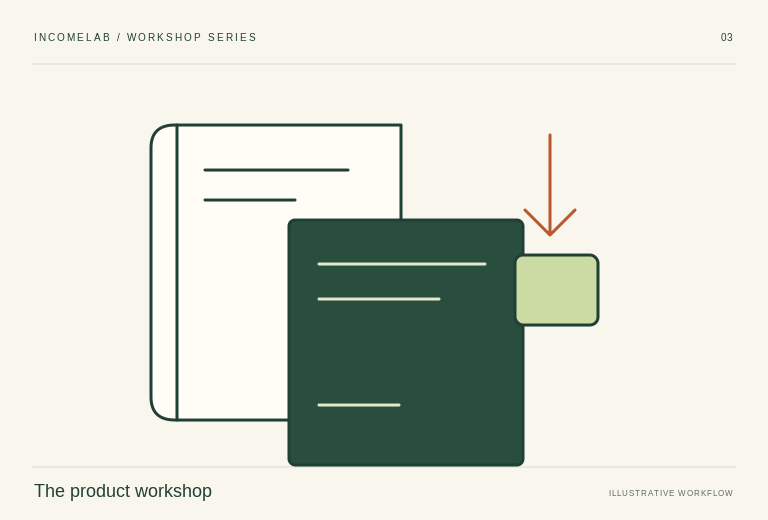
The test fixture combines a two-page PDF and a one-page PDF into a three-page output. Page count and rotation are checked by the automated PDF tests.
- CollectKeep an untouched copy of each source
- ArrangeMerge and reorder the working documents
- ReviewNumber pages and inspect the download
The input
Use two sample PDFs: one with two pages and one with one page. Do not use a confidential customer document for a demonstration.
Download the fictional practice files: two-page proposal and one-page scope. They contain sample text only.
Follow the workflow
- Open the PDF workbench and select Merge PDFs.
- Choose both files and put them in the intended order.
- Create and download the three-page result.
- If necessary, use Reorder pages with
3, 1, 2. - Add page numbers to a separate review copy.
Check the result
Verify page count, reading order, orientation and visible content. Retain the original files. This does not preserve digital signatures and is not a signing service.
The business value
A single, reviewed delivery file makes the handoff easier to follow. This demonstration does not measure time saved or imply a revenue increase. Its evidence is the reproducible document output.